
Make your nonprofit easier to find by publishing one clear, current version of who you serve, what help you provide, where you work, whether there are eligibility or access requirements, and how someone can take the next step.
People rarely begin with your organization chart or legal classification. They begin with a need: food for this week, a youth program near home, help caring for a parent, transportation to an appointment, or a place to volunteer.
Your public information has to bridge that gap. It should use the language a resident, caregiver, partner, or referral source would use, while still connecting back to an official source.
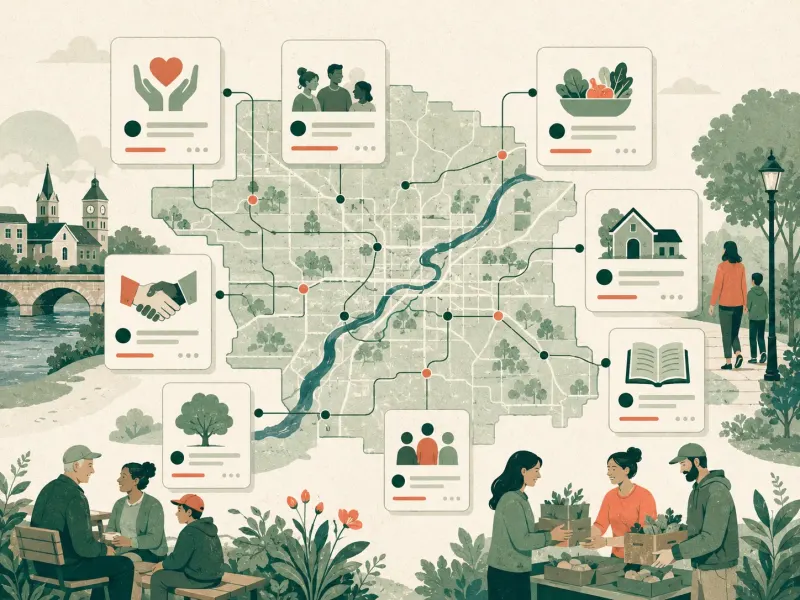
The seven public facts every nonprofit should make clear
1. The name people actually know
Publish your legal name where it belongs, but do not make residents decode it. If your public program or doing-business-as name is different, show the relationship clearly. This matters because the IRS public data generally uses the official name submitted to the agency, while residents may search for a program name or acronym.
2. Who the organization serves
Name the people, age ranges, situations, or communities the service is meant for. Avoid broad language such as “serving everyone” when the actual program has a narrower audience.
3. What help is available
Describe the service in plain language. Separate ongoing programs from seasonal events. If your organization makes referrals rather than delivering the service directly, say that.
4. Where the service is available
List the counties, cities, neighborhoods, school districts, or service areas you actually cover. If people come to a physical location, provide the usable address. If the address is private or not a service location, publish the service area instead.
5. What someone needs before starting
State the parts that affect access: appointment requirements, age limits, documents, cost, language availability, referral steps, or current capacity. If you cannot promise availability, explain how a person can check.
6. One direct next step
Give people one primary action: call, apply, register, visit, email, or request a referral. A page with six equal contact choices can be harder to use than a page with one clear starting point and alternatives underneath it.
7. When the information was reviewed
A “last reviewed” date is more honest than a vague promise that everything is always current. It tells readers how much confidence to place in time-sensitive details and gives your team a cue for the next review.
Match each fact to the right source
No single source can tell the whole story. The IRS Tax Exempt Organization Search is useful for tax-exempt status and public filings. Your organization website is the better source for current programs, service areas, contact paths, and temporary changes. A reviewed directory can help connect those sources into a local discovery path.
A 20-minute nonprofit findability checklist
- Search your organization name and your main program names on a phone.
- Confirm that your website, phone number, address, and service area agree.
- Read your service description as if you had never heard of the organization.
- Check that the primary next step still reaches a monitored person or form.
- Remove closed programs or mark them clearly as paused or seasonal.
- State eligibility and access requirements without burying them.
- Add a visible “last reviewed” date to time-sensitive pages.
- Assign one person or role to receive corrections.
Use a review rhythm your team can sustain
Review critical contact and access information whenever a program changes. For stable pages, a quarterly check is often a practical starting point. Review seasonal pages before they return, and archive them when the season ends.
The goal is not constant rewriting. It is a clear owner, a small set of fields, and a visible way to correct what changed.
What LinkLocally adds
LinkLocally connects public records, organization-provided information, source checks, and human stewardship into local discovery surfaces. For Northeast Wisconsin nonprofits, the regional directory gives residents and partners a category-and-county path into the information.
Explore the Northeast Wisconsin nonprofit directory or continue with the guide to keeping nonprofit information current.